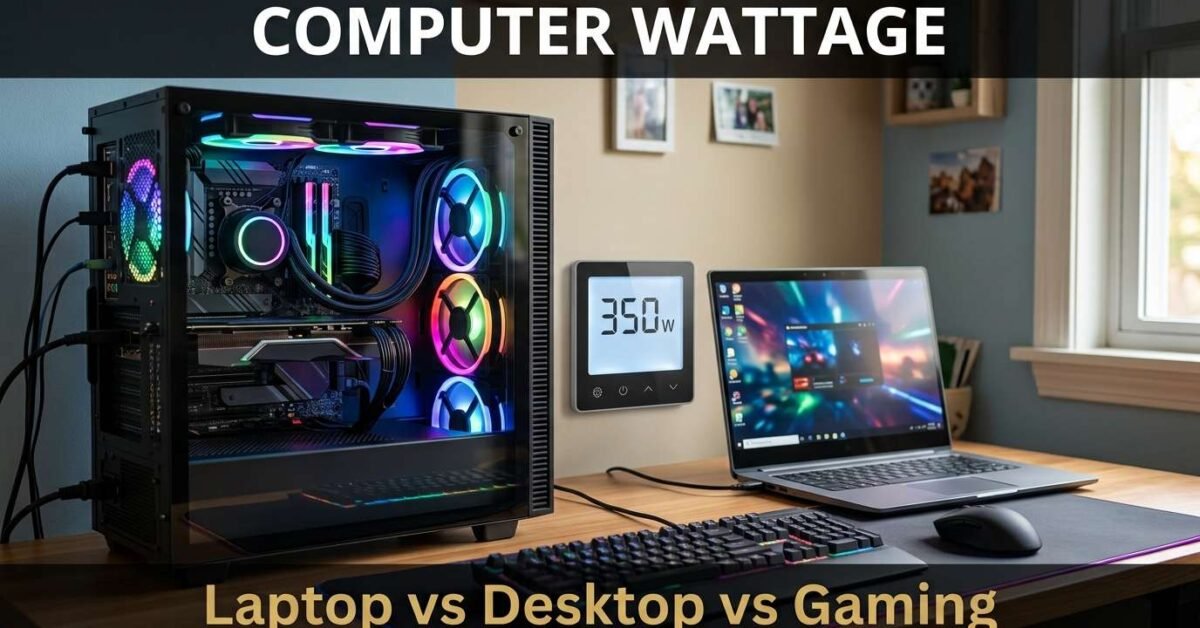
Computer wattage varies enormously by type. A basic laptop draws 30 to 45 watts. A workstation laptop draws 65 to 130 watts. A standard desktop with integrated graphics draws 100 to 200 watts. A gaming desktop with a dedicated GPU draws 300 to 700 watts. The GPU is the single biggest variable — a high-end graphics card alone can draw 200 to 350 watts under load.
Wattage Table
| Type | Running Watts | Startup/Peak |
|---|---|---|
| Chromebook/tablet | 15-30W | 15-30W |
| Basic laptop | 30-45W | 30-45W |
| Business laptop | 45-65W | 45-65W |
| Gaming/workstation laptop | 65-130W | 80-180W |
| Desktop (integrated GPU) | 100-200W | 150-300W |
| Desktop (mid-range GPU) | 200-350W | 300-500W |
| Gaming desktop (high-end GPU) | 350-700W | 500-900W |
| Dual-GPU workstation | 500-1,000W | 700-1,400W |
| Monitor (24-27 inch) | 25-50W | 25-50W |
Look up any appliance in our Appliance Wattage Database covering 140+ devices. For the most accurate measurement, use a plug-in watt meter for 24 hours.
Daily Energy Consumption
To calculate daily energy cost, multiply the wattage by the hours of daily use, then divide by 1,000 to get kWh. Multiply by your electricity rate. For example, a 1,500W space heater running 6 hours per day uses 1,500 × 6 ÷ 1,000 = 9 kWh. At $0.15/kWh, that costs $1.35 per day or about $40 per month. Our Electricity Bill Calculator computes this for all your appliances combined.
Running on Battery Backup
To run this appliance on battery during a power outage, size the battery using our Battery Backup Calculator. Enter the wattage and desired runtime — the calculator outputs the exact battery size, inverter kVA, and solar panel count needed to sustain it. For generator sizing, use our Generator Sizing Calculator.
Running on Solar
To power this appliance entirely from solar, you need enough panels to produce the daily energy consumption plus system losses. Our Solar System Calculator sizes the complete system from your appliance list. Enter every device you want to run and it outputs the panel count, battery bank, inverter, and charge controller specifications.
How to Measure Actual Wattage
The wattage values above are typical ranges. Your specific appliance may draw more or less. Use a watt meter (Kill A Watt P4400, under $25) plugged between the appliance and wall outlet for 24 hours to capture the full duty cycle. The meter shows running watts, peak watts, and total kWh — the exact numbers for our calculators.
Impact on Your Electricity Bill
Monthly cost = (Watts × hours/day × 30) ÷ 1,000 × rate. At $0.16/kWh, a 1,500W appliance running 2 hours daily costs $14.40/month. A 75W ceiling fan running 10 hours costs $3.60/month. Small wattage differences compound over a year — saving 50W over 8 daily hours saves $23 annually. Use our Electricity Bill Calculator for all your appliances combined.
Solar and Battery Sizing
Use average consumption for energy calculations and startup surge for inverter/generator sizing. Our Solar System Calculator sizes the complete solar system. Our Battery Backup Calculator shows battery runtime. Our Generator Sizing Calculator accounts for motor surge.
Energy Cost Impact
Monthly cost formula: (Watts × hours per day × 30) ÷ 1,000 × electricity rate. At the US average of $0.16/kWh, a 1,500W appliance running 2 hours daily costs $14.40/month. A 100W device running 8 hours costs $3.84/month. Even small wattage reductions compound over a year — saving 50W over 8 daily hours saves $23 annually. Calculate all your appliances combined in our Electricity Bill Calculator.
Measuring Your Actual Consumption
Published wattage ranges are approximations. Your specific model may draw more or less depending on age, settings, and condition. For exact numbers, use a plug-in watt meter (Kill A Watt P4400 or Poniie PN2000, both under $25) between the appliance and the wall for 24 hours. The meter captures running watts, peak surge, and total kWh consumed — the precise values for sizing solar panels, batteries, or generators. Look up typical values first in our Appliance Wattage Database with 140+ devices.
Sizing Solar Panels and Battery Backup
Use the average wattage for energy calculations (how many panels you need) and the startup surge for inverter and generator sizing (how big the inverter must be to handle the peak). Our Solar System Calculator handles both — enter all your appliances and get the complete system specification. For battery backup runtime, use our Battery Backup Calculator. For generator sizing, use our Generator Sizing Calculator which accounts for motor startup surge automatically.
Reducing Energy Consumption
The cheapest watt is the one you never use. Before sizing a solar system or generator, consider whether you can reduce consumption first. Upgrading to Energy Star rated appliances typically reduces consumption by 20 to 50 percent. Using timers and smart plugs eliminates standby power draw (which accounts for 5 to 10 percent of total home electricity use). Switching from incandescent or halogen to LED lighting reduces lighting consumption by 75 percent. Every watt you eliminate from your load reduces the solar panel count, battery size, and inverter capacity — saving thousands of dollars on the system.