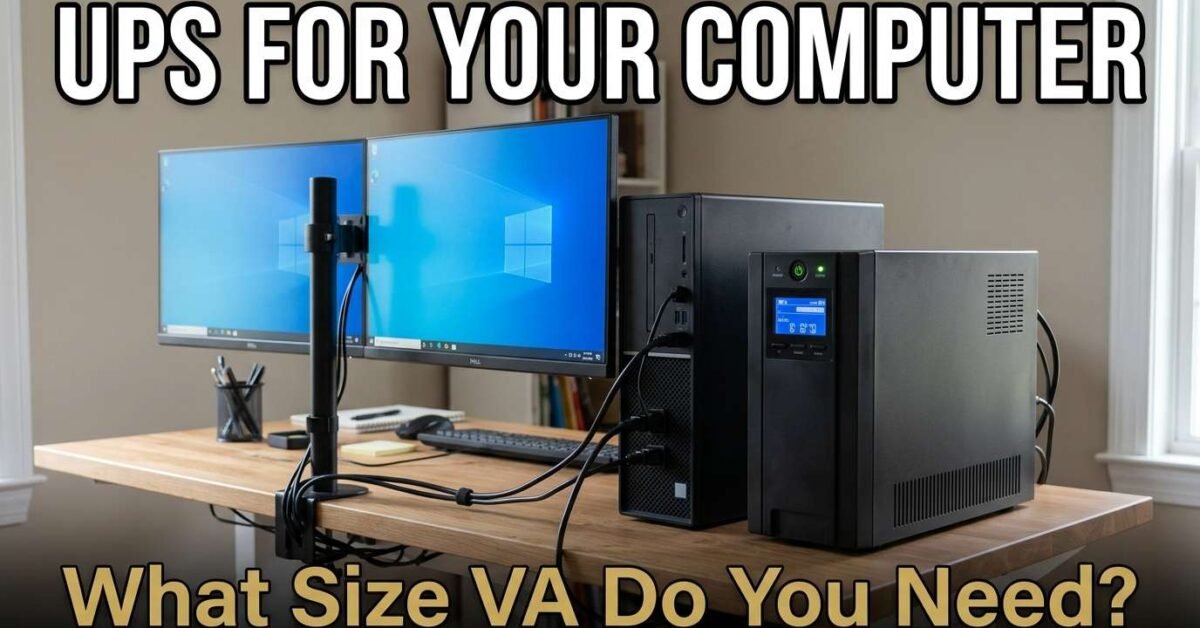
The UPS size you need depends on your computer’s total wattage plus all connected peripherals. A basic desktop with one monitor needs 600 to 750 VA. A workstation with dual monitors needs 850 to 1,200 VA. A gaming PC with a high-end GPU needs 1,000 to 1,500 VA. Our UPS Sizing Calculator computes the exact VA rating from your device list.
UPS Size by Computer Type
| Setup | Total Watts | UPS Size Needed |
|---|---|---|
| Laptop + router + modem | 90W | 350-450 VA |
| Basic desktop + monitor + router | 305W | 600-750 VA |
| Workstation + dual monitors + NAS | 400W | 850-1,000 VA |
| Gaming PC (mid-range GPU) + monitor | 450W | 1,000-1,200 VA |
| Gaming PC (high-end GPU) + peripherals | 650W | 1,200-1,500 VA |
| Dual-GPU workstation + monitors + NAS | 900W | 2,000-2,200 VA |
The UPS Sizing Formula
Required VA = Total watts ÷ Power factor. Most consumer UPS units have a power factor of 0.6 to 0.7, meaning a 1,000 VA UPS delivers only 600 to 700 watts of real power. A computer drawing 350W needs: 350 ÷ 0.7 = 500 VA minimum. Add a 25 percent safety margin: 500 × 1.25 = 625 VA. The nearest standard size is 750 VA. Our UPS Sizing Calculator handles this math automatically with preset devices for one-click entry.
VA vs Watts: Why They Are Different
VA (volt-amperes) is the apparent power — it includes both the real power (watts) that does useful work and the reactive power that flows back and forth in the circuit without doing work. Watts = VA × power factor. A 1,500 VA UPS at 0.7 power factor delivers 1,050 watts. At 0.9 power factor (newer, more expensive UPS models), the same 1,500 VA delivers 1,350 watts. Always check both the VA and watt rating — the watt rating is what matters for your computer. Use our kVA to Watts Converter for any conversion.
How Long Will a UPS Run My Computer?
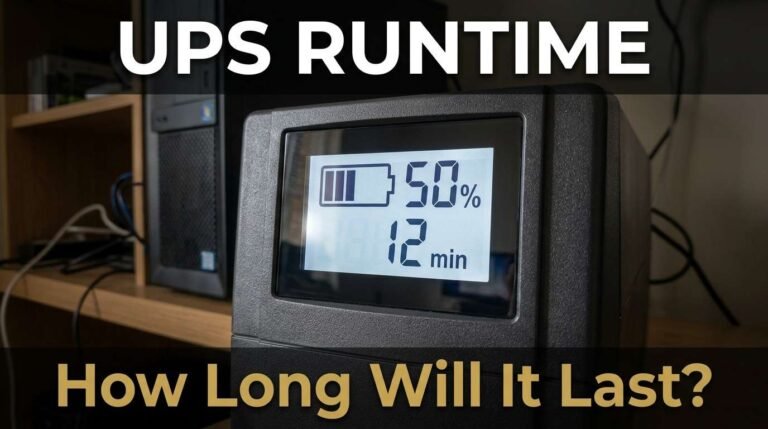
Runtime depends on the battery capacity and your load. A typical 750 VA UPS provides 5 to 10 minutes of runtime at 300W load — enough for a safe shutdown but not for extended work. A 1,500 VA UPS provides 8 to 15 minutes at the same load. If you need longer runtime (30+ minutes), look for UPS models with extended battery modules or consider a solar battery backup instead — our Battery Backup Calculator sizes longer-duration systems. The primary purpose of a UPS is protecting against data loss and hardware damage from sudden power cuts, not providing hours of backup.
Line-Interactive vs Online vs Standby UPS
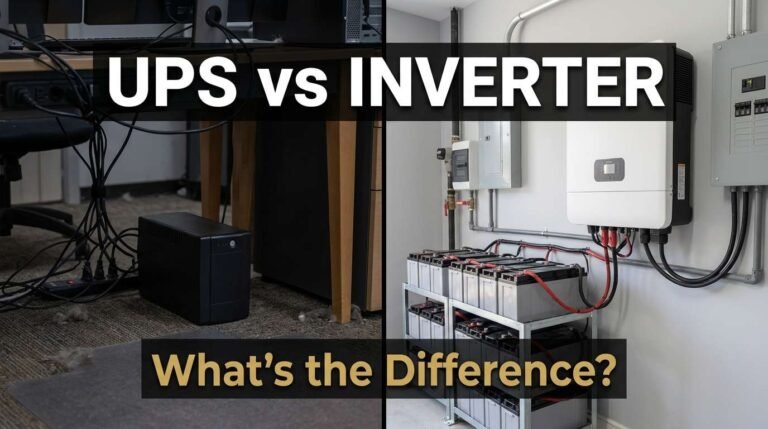
Standby (offline): cheapest, 5-12ms switchover time. Fine for basic home use but the switchover delay can crash sensitive equipment. Line-interactive: the sweet spot for computers. Automatic voltage regulation handles brownouts without switching to battery, extending battery life. 2-4ms switchover. Recommended for all desktop computers and home office setups. Online (double-conversion): zero switchover time — the load always runs from the inverter. Essential for servers, medical equipment, and laboratory instruments. 2-3x the cost of line-interactive. Overkill for most home computers.
Common UPS Sizing Mistakes
The most common mistake is using the VA rating as if it were watts. A 1,000 VA UPS at 0.7 power factor delivers only 700 watts — not 1,000. If your computer draws 650W, a 1,000 VA UPS runs at 93 percent capacity, leaving almost no headroom and shortening battery life. The second mistake is ignoring peripheral power draw — a desktop PC might draw 250W, but add a 27-inch monitor (40W), external speakers (20W), a USB hub with devices (15W), a desk lamp (10W), and a router (15W), and the total is 350W. The third mistake is buying a UPS for runtime rather than power quality — if you need 2+ hours of backup, you need a battery inverter system, not a bigger UPS. A UPS is for safe shutdown and voltage regulation, not extended runtime.
UPS Battery Replacement
Most consumer UPS units use sealed lead-acid (SLA) batteries that last 3 to 5 years. After year 3, runtime begins declining noticeably. By year 5, the battery may hold only 50 percent of its original capacity. Replacement batteries cost $20 to $80 for consumer models and $50 to $200 for larger units — far cheaper than buying a new UPS. Most UPS models are designed for user-replaceable batteries: open the front panel, slide out the old battery, slide in the new one. No tools required. Buy the exact replacement specified in your UPS manual — using the wrong battery can damage the charging circuit.
UPS for Home Office: What to Connect
Connect to the UPS: desktop PC, monitor(s), router, modem, external hard drives, and NAS. These devices need uninterrupted power to prevent data loss and corruption. Do NOT connect to the UPS: printers (high surge, infrequent use), space heaters (massive power draw), desk fans (not data-critical), phone chargers (not data-critical). Many UPS models have two sets of outlets — “battery + surge” outlets for critical devices and “surge only” outlets for non-critical devices that only need surge protection, not battery backup. Use the surge-only outlets for printers and non-essential peripherals.