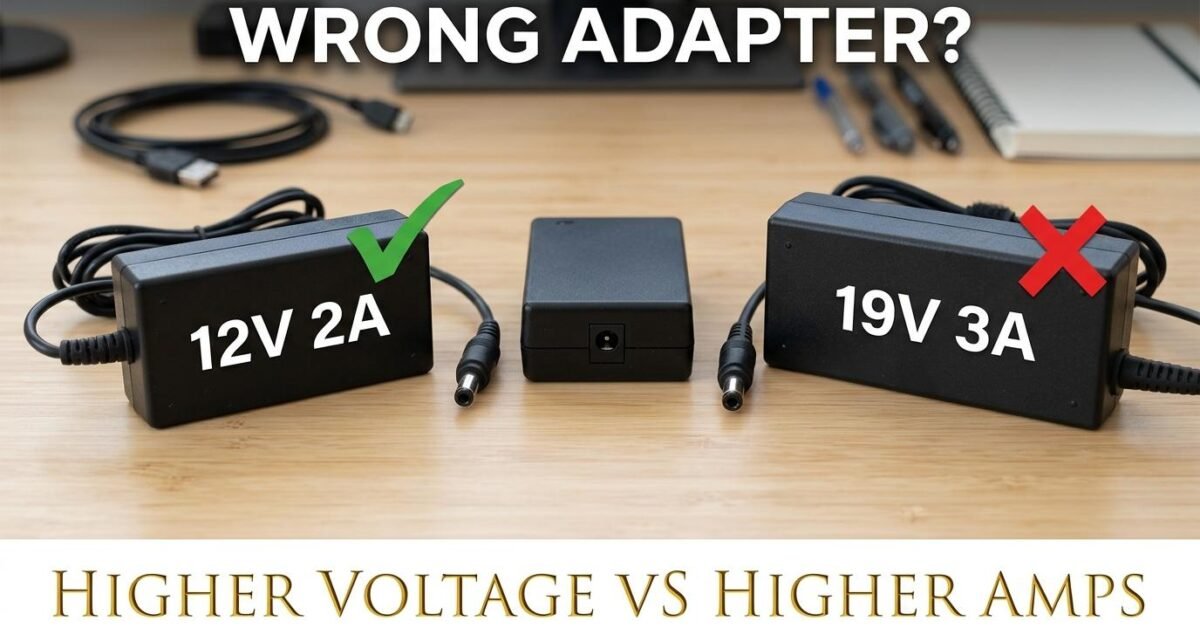
A higher voltage adapter can damage or destroy your device. A higher amp adapter is perfectly safe. These are two completely different things, and confusing them is the most common adapter mistake. This guide explains why, with the physics behind both rules, so you never guess again.
Higher Voltage Adapter: DANGEROUS
If your device is rated for 12V and you connect a 15V adapter, you are pushing 25 percent more voltage than the device’s circuits are designed to handle. The excess voltage forces more current through the components than their ratings allow, generating excess heat. In the best case, a voltage regulator inside the device absorbs the difference and runs hot. In the common case, components overheat and fail within minutes to hours. In the worst case, capacitors or MOSFETs fail catastrophically, potentially causing smoke or fire.
The only safe tolerance is plus or minus 5 percent. A 12V device on a 12.5V adapter is fine. On a 13V adapter it is risky. On a 15V adapter it is likely destructive. On an 18V or 24V adapter it is immediately destructive.
Lower Voltage Adapter: Won’t Damage, But Won’t Work
A 9V adapter on a 12V device does not damage the device — there is not enough voltage to push excessive current. But the device either will not start at all or will run weakly and erratically. The adapter, however, may be damaged: it tries to supply more current than it is rated for (because the device keeps trying to draw its rated watts from insufficient voltage), overheating the adapter. A 12V 2A device on a 9V adapter tries to draw 2.7A from the adapter (24W divided by 9V) — if the adapter is rated for only 2A, it overheats.
Higher Amp Adapter: PERFECTLY SAFE
This is the rule most people find counterintuitive: a 12V 10A adapter on a 12V 3A device is completely safe. The device only draws the current it needs — 3 amps. The adapter simply has 7 amps of unused capacity. It runs cooler than a 12V 3A adapter because it is operating at only 30 percent of its capacity instead of 100 percent.
Think of it like a water pipe: a bigger pipe does not force more water through your faucet — it just has room for more if you open the tap further. The device is the “faucet” that controls how much current flows. The adapter is the “pipe” that sets the maximum available. A bigger pipe with a small faucet works perfectly. A smaller pipe than the faucet needs causes pressure problems (overheating).
Lower Amp Adapter: RISKY
A 12V 3A adapter on a 12V 8A device is dangerous. The device tries to draw 8A but the adapter can only supply 3A. The adapter runs at 267 percent of its rated capacity, overheats, and either shuts down (if it has thermal protection) or melts. The device may work intermittently or not at all, and the adapter’s lifespan drops from years to hours. Always use an adapter with an amp rating equal to or higher than the device requires.
The Safe Adapter Rule (Summary)
| Scenario | Safe? | What Happens |
|---|---|---|
| Same voltage, same or higher amps | SAFE | Device works perfectly |
| Same voltage, lower amps | RISKY | Adapter overheats, device may not work |
| Higher voltage, any amps | DANGEROUS | Device damaged or destroyed |
| Lower voltage, any amps | Won’t work | Device underpowered, adapter may overheat |
Polarity: The Third Thing That Must Match
Beyond voltage and amps, DC adapters have polarity — the center pin of the barrel connector is either positive (center-positive, the most common) or negative (center-negative). Using the wrong polarity reverses the current flow inside the device, which can instantly destroy unprotected circuits. Most modern devices have reverse-polarity protection (a diode that blocks reversed current), but older or cheaper devices may not. Check the polarity symbol on both the device and the adapter — it is usually printed near the barrel connector specification as a small diagram showing which ring is positive and which is negative.
Universal Adapters: Convenient but Risky
Universal adapters with selectable voltage (3V, 5V, 6V, 9V, 12V) are convenient for travel but dangerous if the voltage selector is accidentally bumped to the wrong setting. A 12V device on a universal adapter set to 18V is the same as using a dedicated 18V adapter — the device does not know the difference. If you use a universal adapter, verify the voltage setting every time you connect it. Better yet, label the adapter with the device it belongs to and never change the setting.
How to Find the Right Adapter Every Time
Read the device label for voltage and amps. Match the voltage exactly. Choose an adapter with the same or higher amp rating. If only watts are shown on the device: amps = watts divided by volts. Our AC/DC Adapter Calculator does the math for any device and tells you exactly what to search for when buying — enter your device specs and power source, and it outputs the complete adapter specifications with a ready-to-copy search term.